
diff options
| author | navewindre <boneyaard@gmail.com> | 2025-07-13 06:42:05 +0200 |
|---|---|---|
| committer | navewindre <boneyaard@gmail.com> | 2025-07-13 06:42:05 +0200 |
| commit | 02f14a9cb152561a5e44062aac79f3b700403b40 (patch) | |
| tree | 2db8ebda3b7f6f8777783aeb5c60018e6e1359d8 /home/.oh-my-zsh/plugins/dircycle/README.md | |
| parent | cbbdeb2f6b40a102a829f0c47cff052937231f00 (diff) | |
omz
Diffstat (limited to 'home/.oh-my-zsh/plugins/dircycle/README.md')
| -rw-r--r-- | home/.oh-my-zsh/plugins/dircycle/README.md | 82 |
1 files changed, 82 insertions, 0 deletions
diff --git a/home/.oh-my-zsh/plugins/dircycle/README.md b/home/.oh-my-zsh/plugins/dircycle/README.md new file mode 100644 index 0000000..c410555 --- /dev/null +++ b/home/.oh-my-zsh/plugins/dircycle/README.md @@ -0,0 +1,82 @@ +# dircycle + +Plugin for cycling through the directory stack + +This plugin enables directory navigation similar to using back and forward on browsers or common file explorers like Finder or Nautilus. It uses a small zle trick that lets you cycle through your directory stack left or right using <kbd>Ctrl</kbd> + <kbd>Shift</kbd> + <kbd>Left</kbd> / <kbd>Right</kbd> . This is useful when moving back and forth between directories in development environments, and can be thought of as kind of a nondestructive pushd/popd. + +## Enabling the plugin + +1. Open your `.zshrc` file and add `dircycle` in the plugins section: + + ```zsh + plugins=( + # all your enabled plugins + dircycle + ) + ``` + +2. Restart the shell or restart your Terminal session: + + ```console + $ exec zsh + $ + ``` + +## Usage Examples + +Say you opened these directories on the terminal: + +```console +~$ cd Projects +~/Projects$ cd Hacktoberfest +~/Projects/Hacktoberfest$ cd oh-my-zsh +~/Projects/Hacktoberfest/oh-my-zsh$ dirs -v +0 ~/Projects/Hacktoberfest/oh-my-zsh +1 ~/Projects/Hacktoberfest +2 ~/Projects +3 ~ +``` + +By pressing <kbd>Ctrl</kbd> + <kbd>Shift</kbd> + <kbd>Left</kbd>, the current working directory or `$PWD` will be from `oh-my-zsh` to `Hacktoberfest`. Press it again and it will be at `Projects`. + +And by pressing <kbd>Ctrl</kbd> + <kbd>Shift</kbd> + <kbd>Right</kbd>, the `$PWD` will be from `Projects` to `Hacktoberfest`. Press it again and it will be at `oh-my-zsh`. + +Here's a example history table with the same accessed directories like above: + +| Current `$PWD` | Key press | New `$PWD` | +| --------------- | ----------------------------------------------------- | --------------- | +| `oh-my-zsh` | <kbd>Ctrl</kbd> + <kbd>Shift</kbd> + <kbd>Left</kbd> | `Hacktoberfest` | +| `Hacktoberfest` | <kbd>Ctrl</kbd> + <kbd>Shift</kbd> + <kbd>Left</kbd> | `Projects` | +| `Projects` | <kbd>Ctrl</kbd> + <kbd>Shift</kbd> + <kbd>Left</kbd> | `~` | +| `~` | <kbd>Ctrl</kbd> + <kbd>Shift</kbd> + <kbd>Right</kbd> | `Projects` | +| `Projects` | <kbd>Ctrl</kbd> + <kbd>Shift</kbd> + <kbd>Right</kbd> | `Hacktoberfest` | +| `Hacktoberfest` | <kbd>Ctrl</kbd> + <kbd>Shift</kbd> + <kbd>Right</kbd> | `oh-my-zsh` | +| `oh-my-zsh` | <kbd>Ctrl</kbd> + <kbd>Shift</kbd> + <kbd>Right</kbd> | `~` | + +Note the last traversal, when pressing <kbd>Ctrl</kbd> + <kbd>Shift</kbd> + <kbd>Right</kbd> on a last known `$PWD`, it will change back to the first known `$PWD`, which in the example is `~`. + +Here's an asciinema cast demonstrating the example above: + +[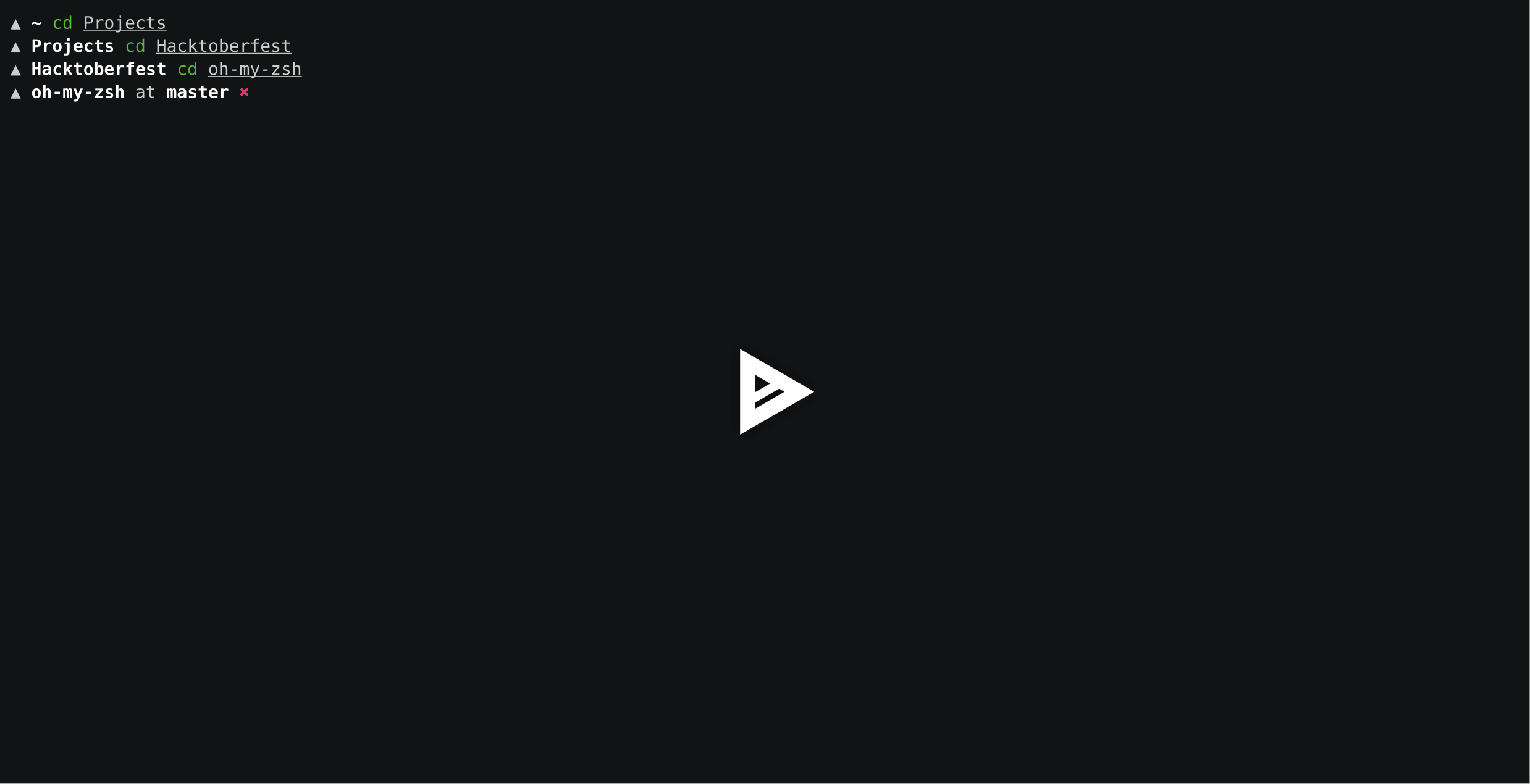](https://asciinema.org/a/204406) + +## Functions + +| Function | Description | +| -------------------- | ------------------------------------------------------------------------------------------------------------------- | +| `insert-cycledleft` | Change `$PWD` to the previous known stack, bound to <kbd>Ctrl</kbd> + <kbd>Shift</kbd> + <kbd>Left</kbd> | +| `insert-cycledright` | Change `$PWD` to the next known stack, bound to <kbd>Ctrl</kbd> + <kbd>Shift</kbd> + <kbd>Right</kbd> | +| `insert-cycledup` | Change `$PWD` to the parent folder, bound to <kbd>Ctrl</kbd> + <kbd>Shift</kbd> + <kbd>Up</kbd> | +| `insert-cycleddown` | Change `$PWD` to the first alphabetical child folder, bound to <kbd>Ctrl</kbd> + <kbd>Shift</kbd> + <kbd>Down</kbd> | + +## Rebinding keys + +You can bind these functions to other key sequences, as long as you know the bindkey sequence. For example, these commands bind to <kbd>Alt</kbd> + <kbd>Shift</kbd> + <kbd>key</kbd> in `xterm-256color`: + +```zsh +bindkey '^[[1;4D' insert-cycledleft +bindkey '^[[1;4C' insert-cycledright +bindkey "\e[1;4A" insert-cycledup +bindkey "\e[1;4B" insert-cycleddown +``` + +You can get the bindkey sequence by pressing <kbd>Ctrl</kbd> + <kbd>V</kbd>, then pressing the keyboard shortcut you want to use. |